
Creatives are every affiliate’s constant headache. Endless farming, testing, and hunting for fresh angles. If you don’t have the time or resources to build creatives from scratch, ad spy tools step in: they let you find thousands of your competitors’ working creatives and adapt proven angles to your own offers.
In this guide, we’ll break down how to find casino creatives in a spy tool using Tyver — a service built specifically for gambling creative research. We’ll cover several search methods, the key filters, and a competitor analysis workflow. If you want a broader overview of working with spy tools, check out our article on competitor analysis through spy services.
What Is a Spy Tool for Gambling
A ad spy tool (spy service) is software for viewing competitors’ ad creatives. It collects ads from advertising platforms (primarily Meta — Facebook and Instagram) and lets you search them by different parameters: GEO, format, offer, slot, and activity.
The value for an affiliate is simple: instead of testing creatives blindly and burning budget on bad hypotheses, you see what already works for competitors and adapt proven mechanics to your own campaigns. What sets Tyver apart is that it’s built specifically for gambling — with filters and tools tailored to the vertical.
Searching Creatives by Keyword
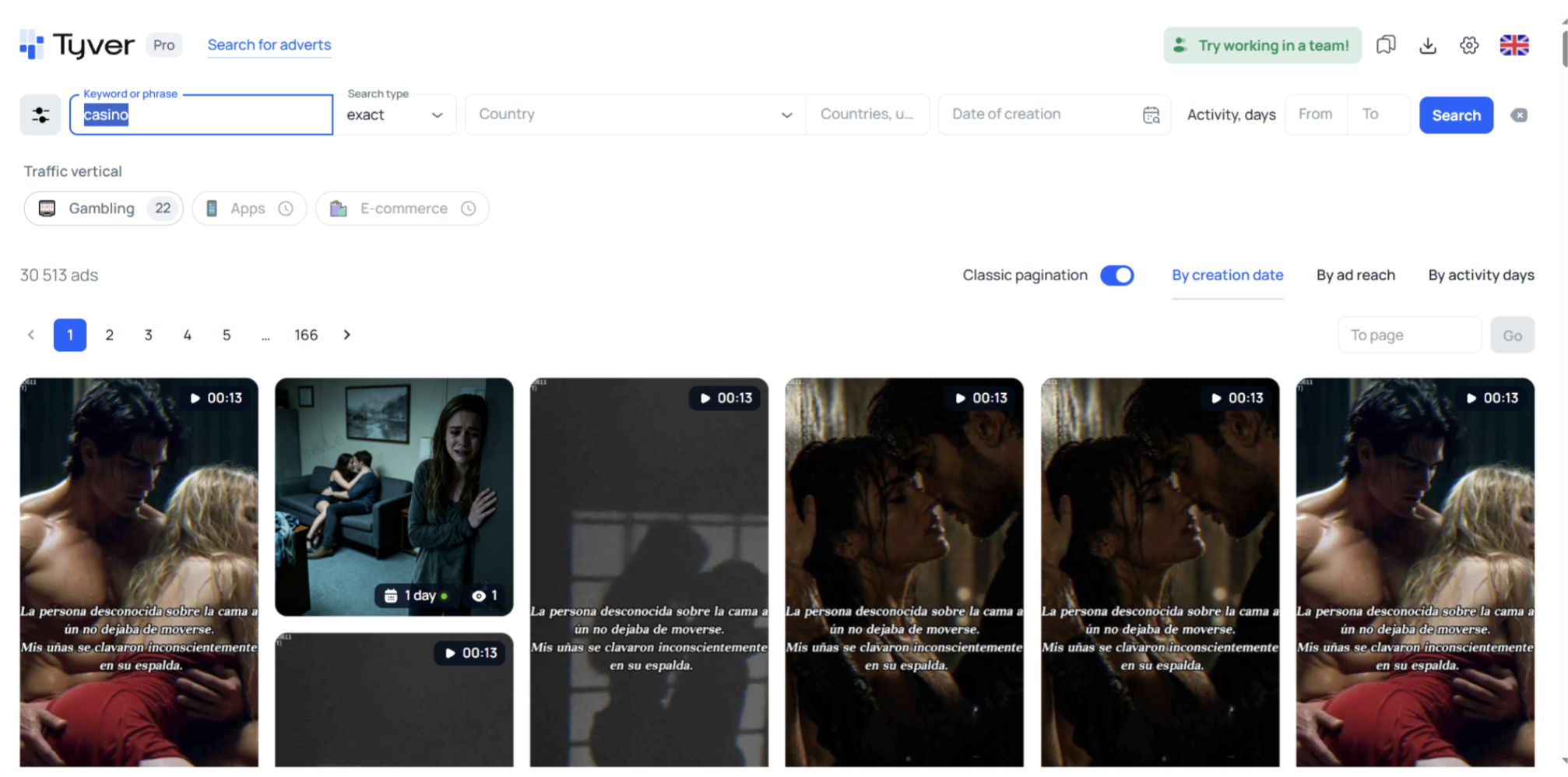
The most obvious route is to type the keyword “casino” into the search. But that’s a bad idea: searching “casino” returns a lot of irrelevant ads.
The problem is that the word “casino” shows up in ads for stories, blogs, and other content unrelated to gambling. So instead of broad keywords, it’s better to search by specific offer or slot names.
Searching by Offer Name
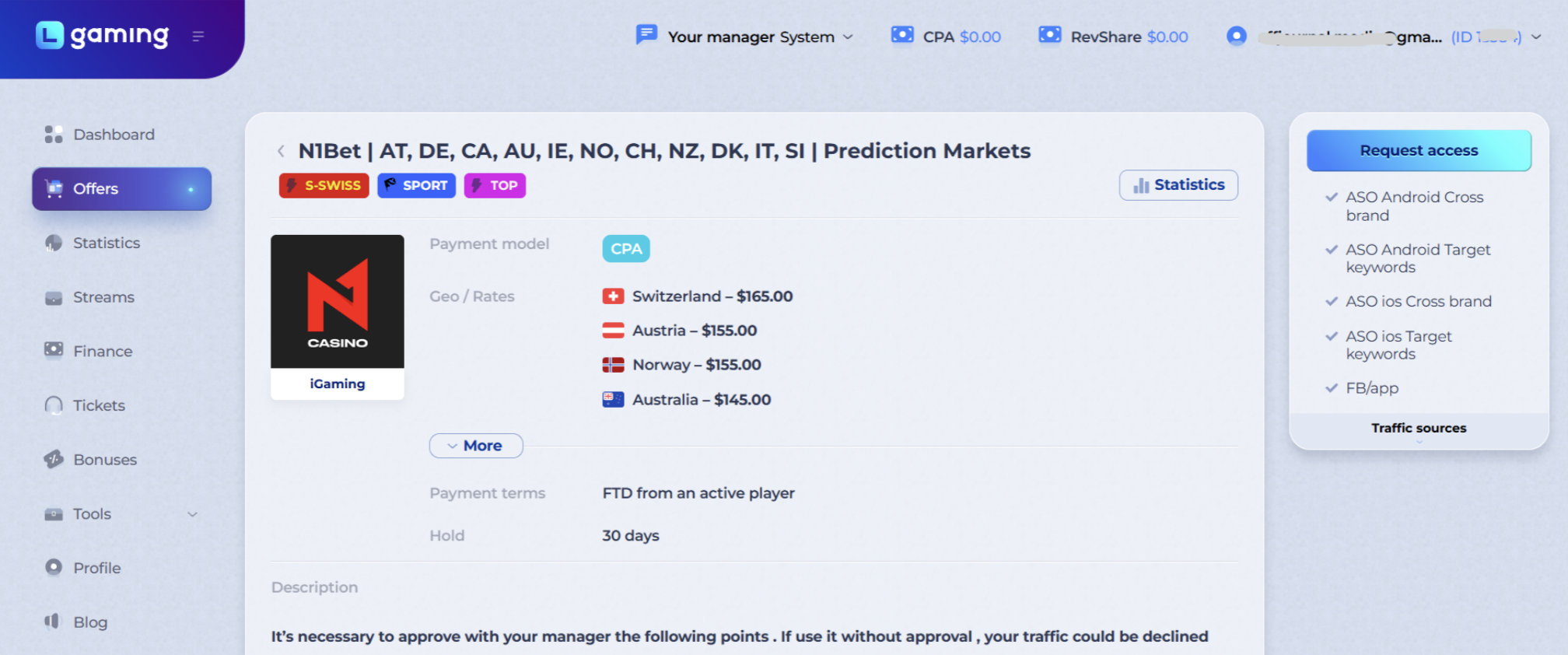
Let’s take the N1Bet offer as an example and search for ads by its name. This keeps the results relevant to a specific offer instead of everything at once.
Searching by Slot Name
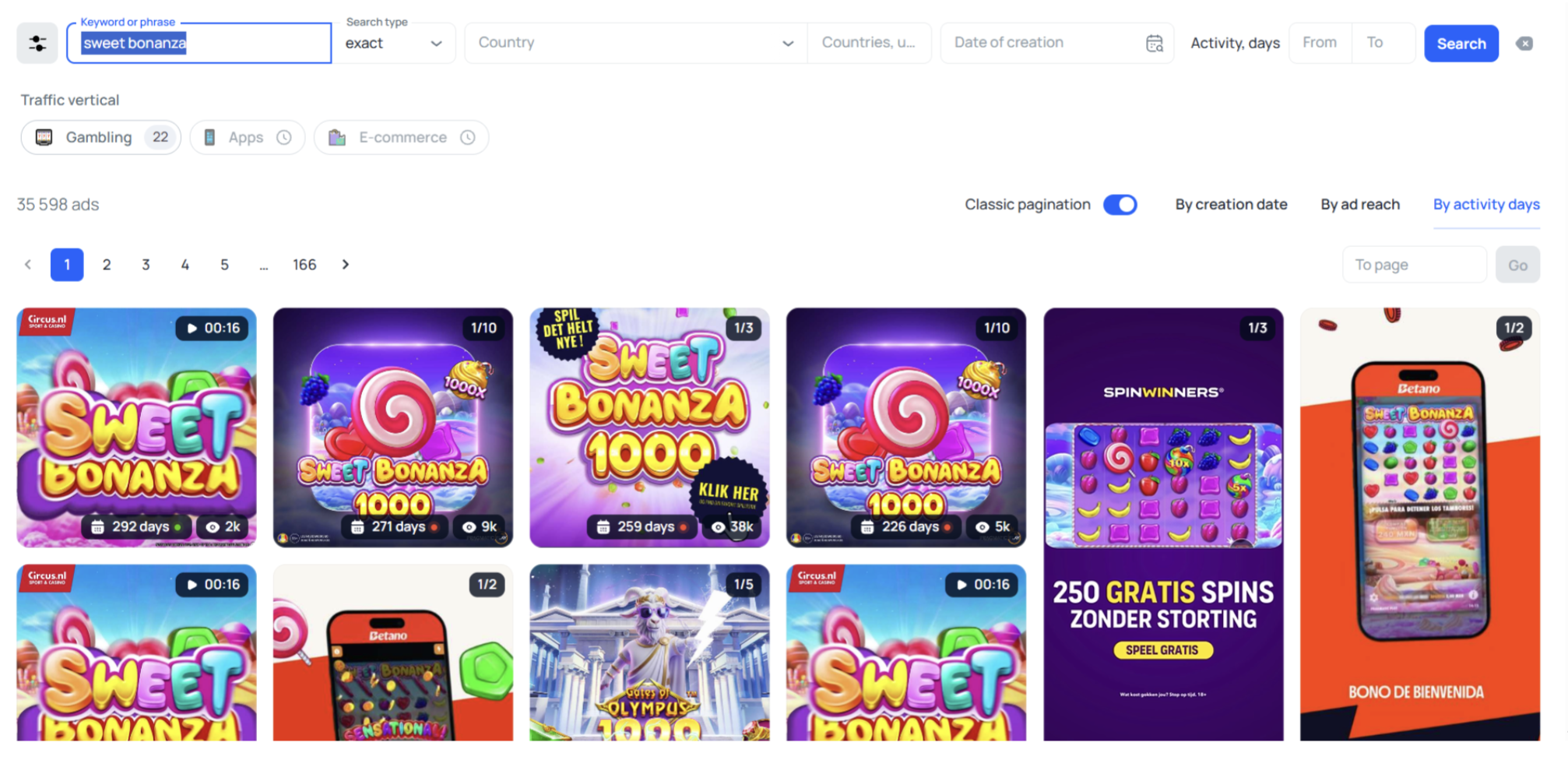
Creatives can also be searched by slot name — and this often yields even more material. Open the popular games on the offer’s site and pick, say, the Sweet Bonanza slot.
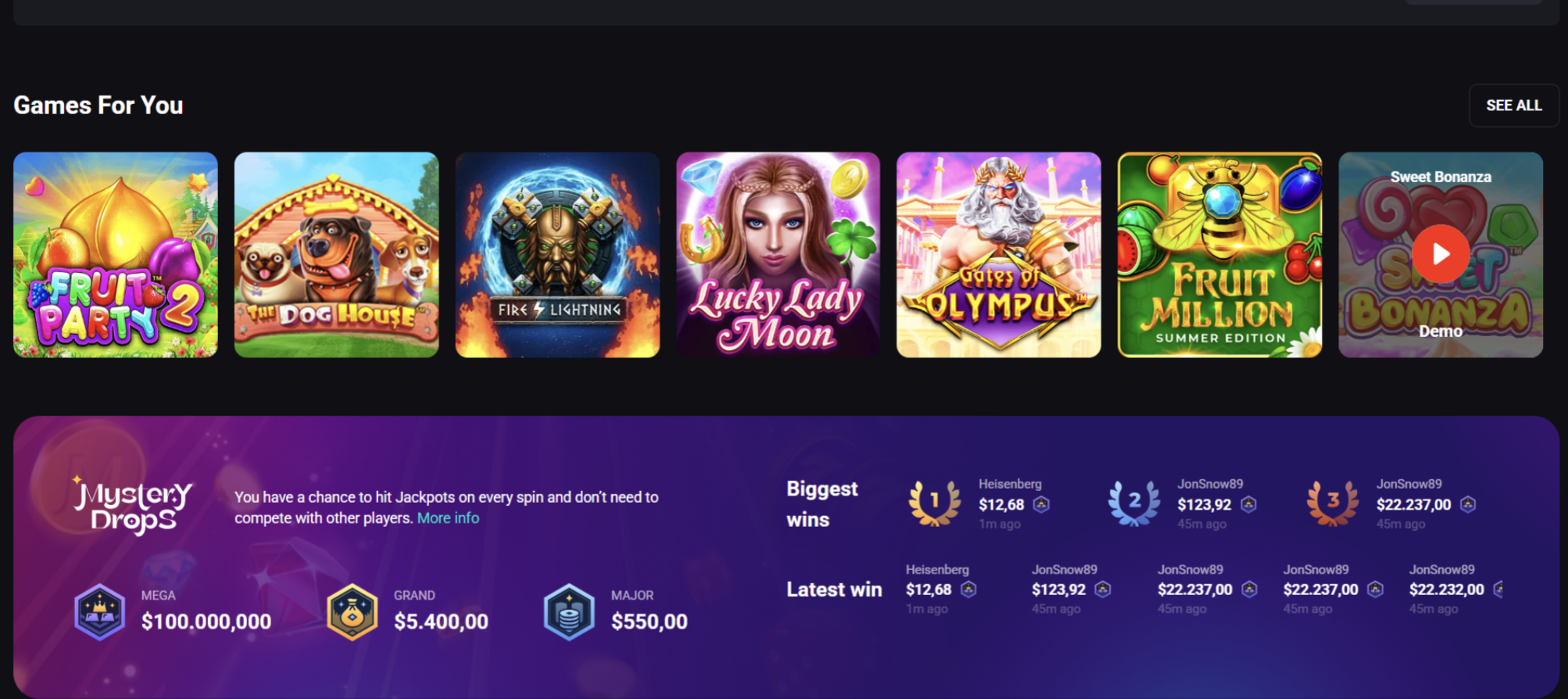
This surfaces a large number of Sweet Bonanza creatives. The slot is universal and appears in many LGaming offers, so searching by slot name lets you gather creatives for several offers at once. This is the key mechanic: one popular slot is a creative source for an entire pool of offers.
Search Filters for Gambling
There are tons of ads for popular slots — Sweet Bonanza alone has over 30,000 creatives. To avoid drowning in that volume, you need filters and targeting. In gambling, the key filters are by country, creative type, and app stores.
Targeting by Countries and Regions
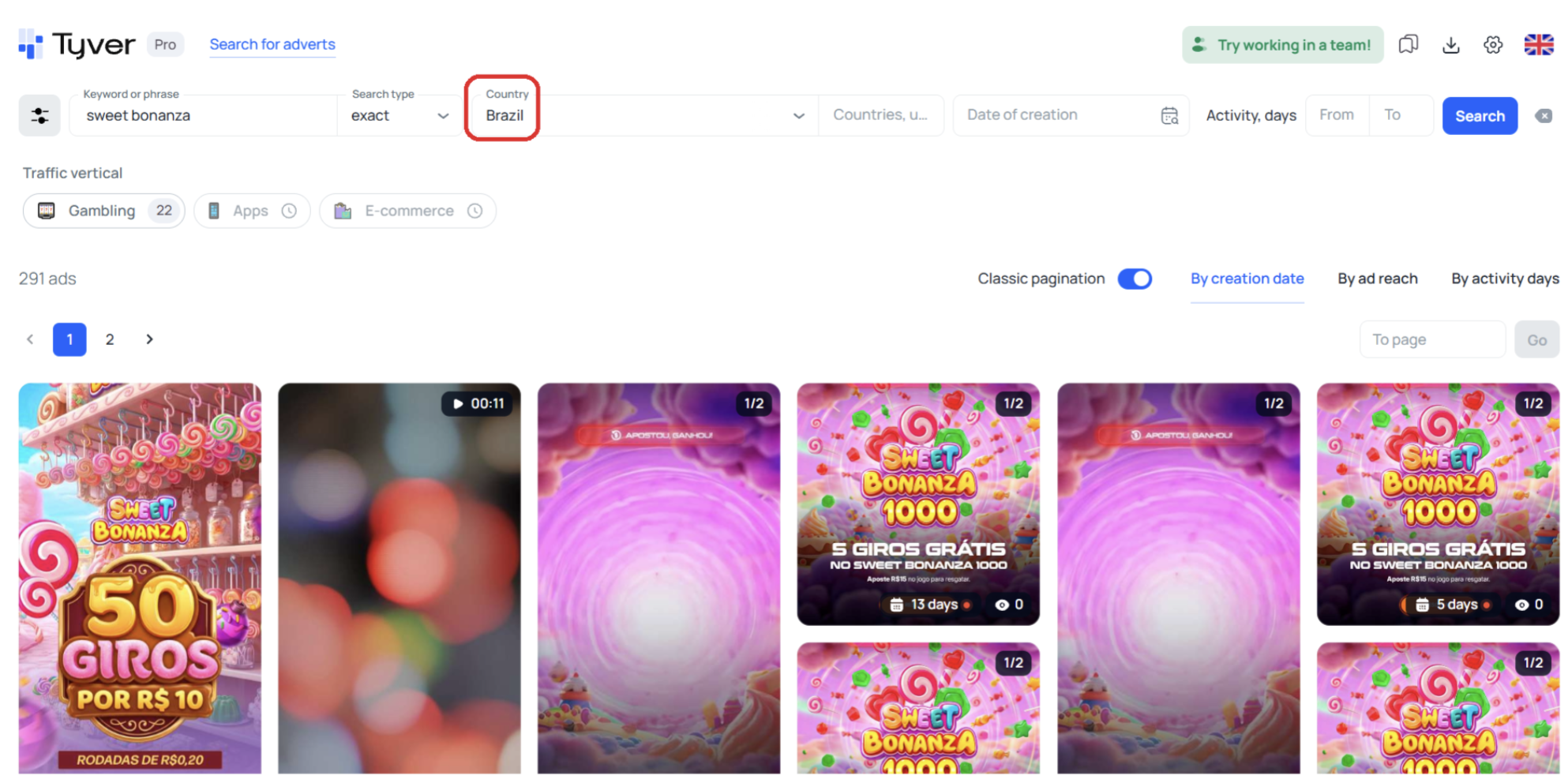
Say you need Sweet Bonanza creatives for Brazil only. After applying the GEO filter, you’re left with 200+ creatives in Brazilian Portuguese, with regional adaptation by currency, faces, and other elements.
Regional creatives don’t just simplify adaptation to a target market — they also give you insight into how the advertising market works in a specific country: which angles, faces, and triggers perform there.
Creative Types
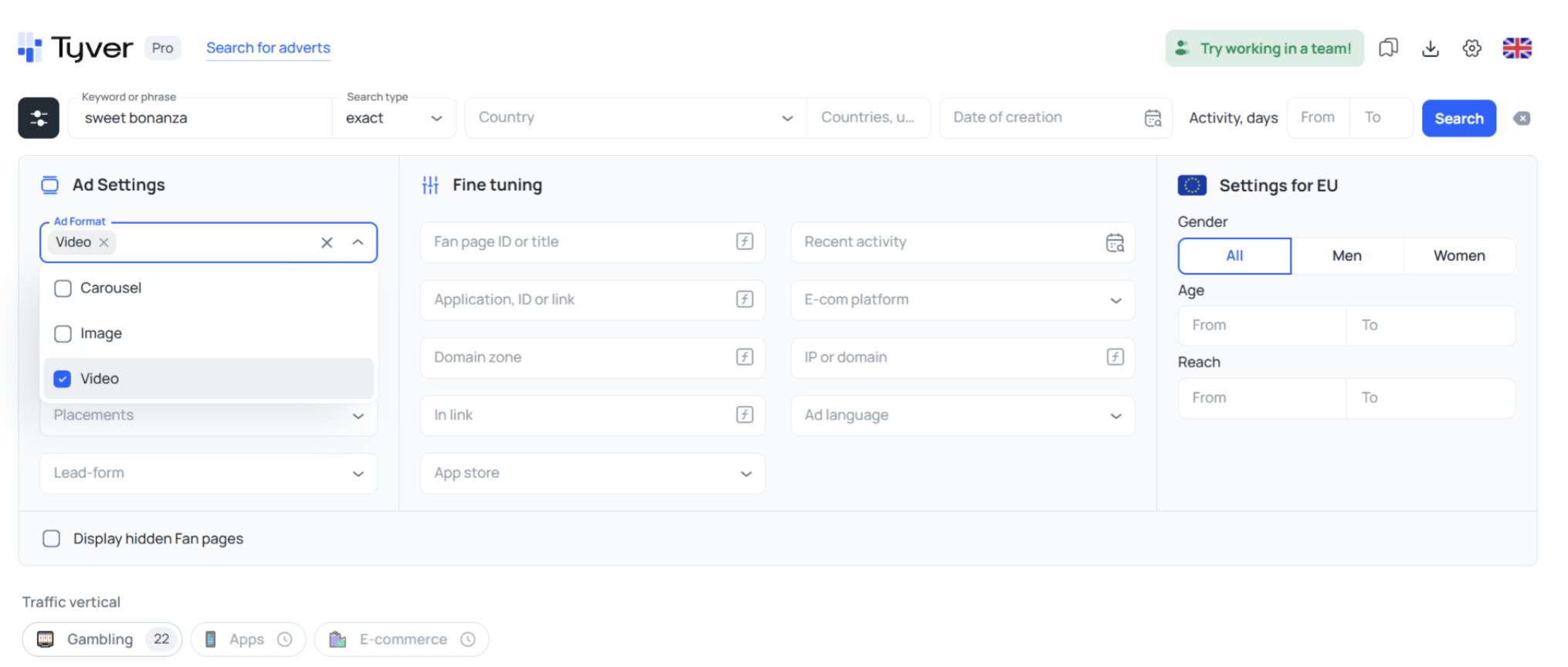
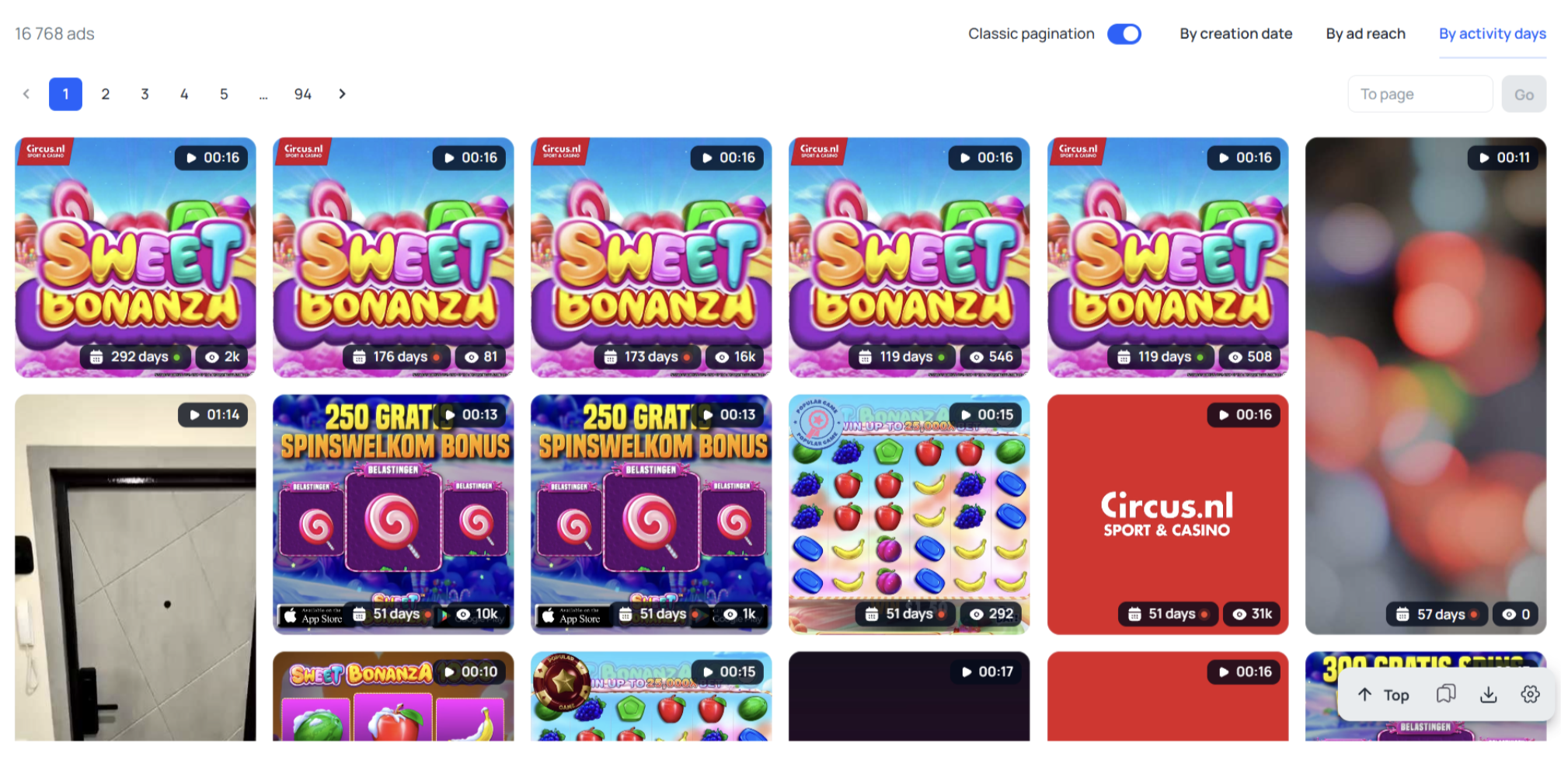
Video works well in casino advertising — it’s dynamic and shows the winning process. To find the right format faster, it makes sense to keep only videos in the feed using the ad format filter.
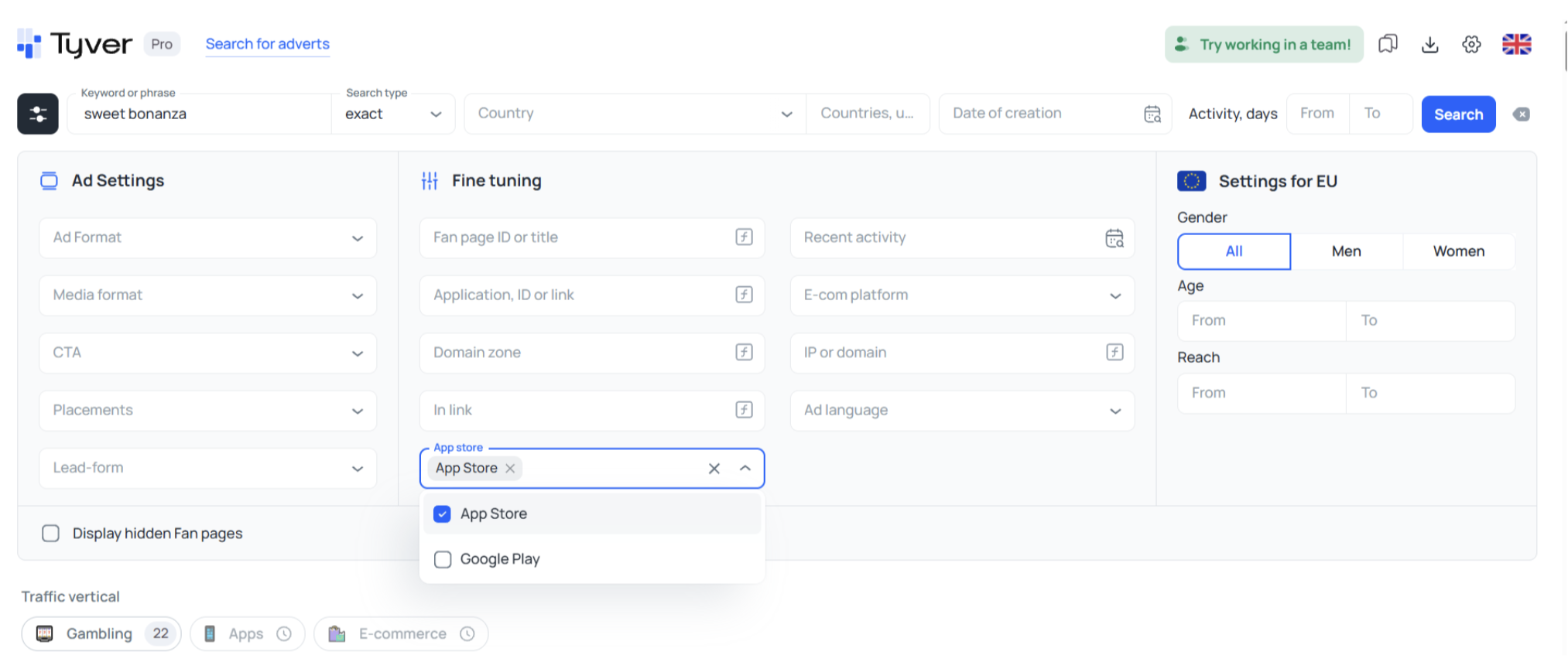
App Stores
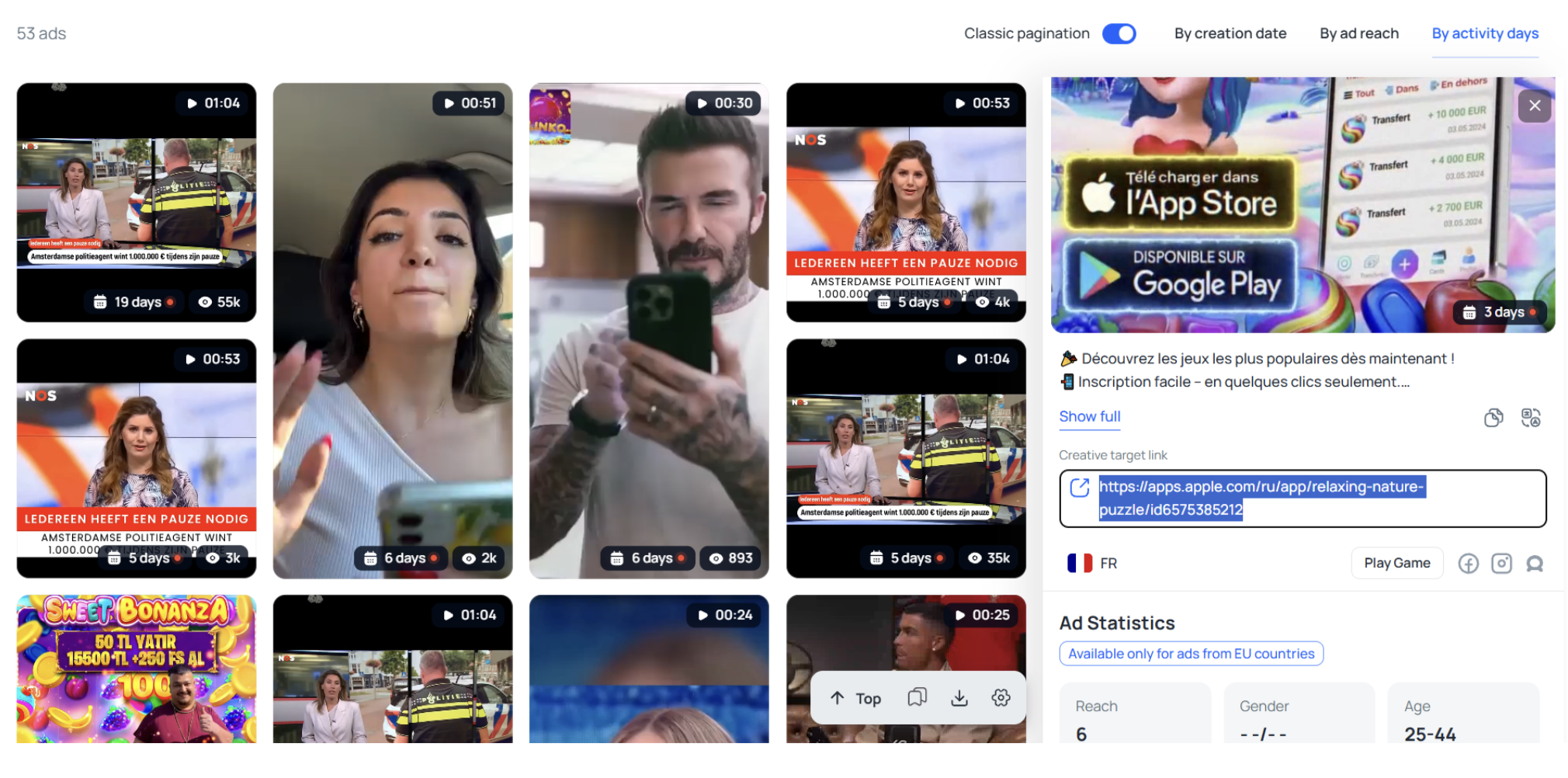
If you need to study the iOS or Android user segment, or prepare ads for a specific platform, use the app store filter.
Global Casino Ad Search: The “Gambling” Button
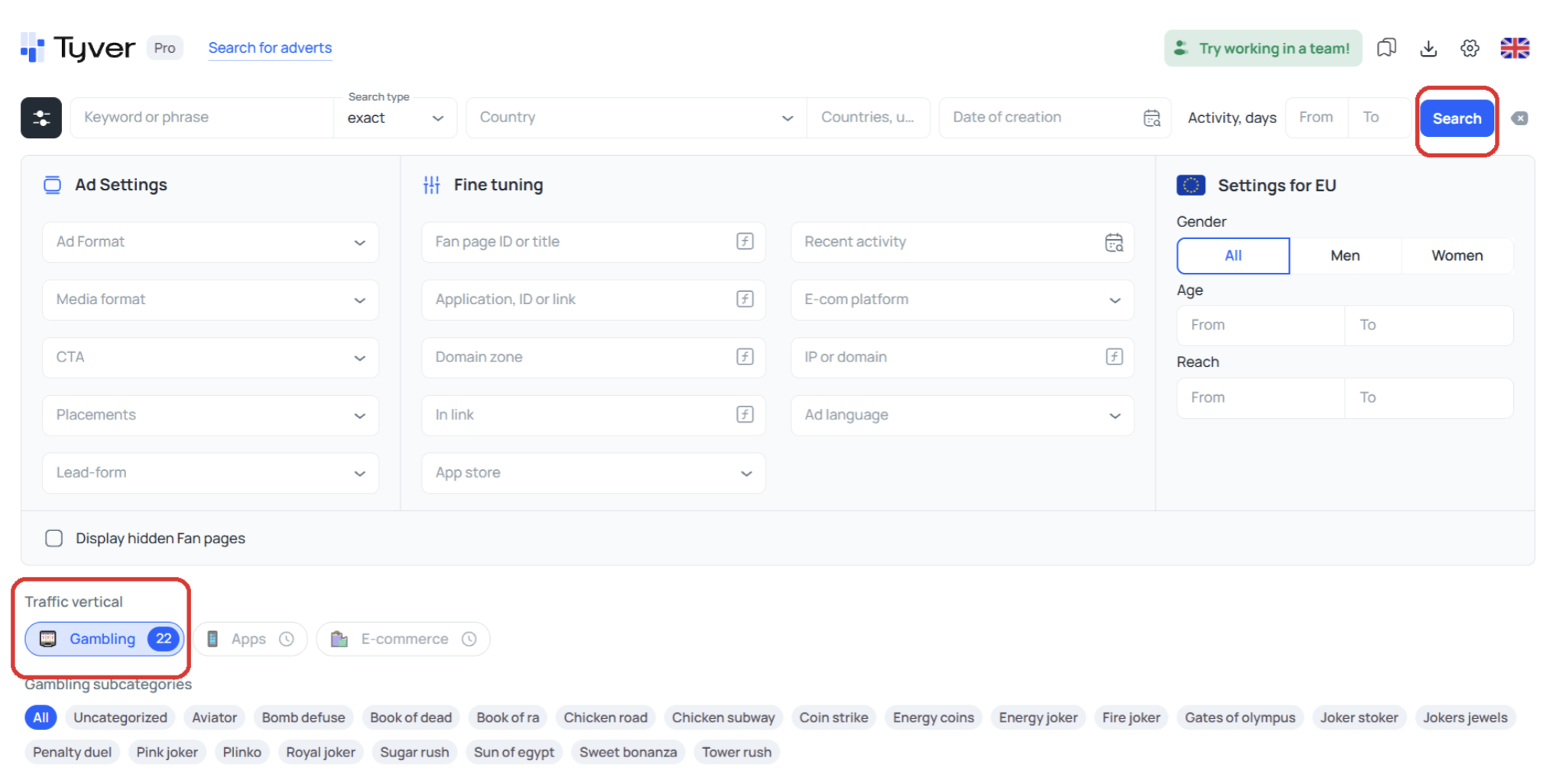
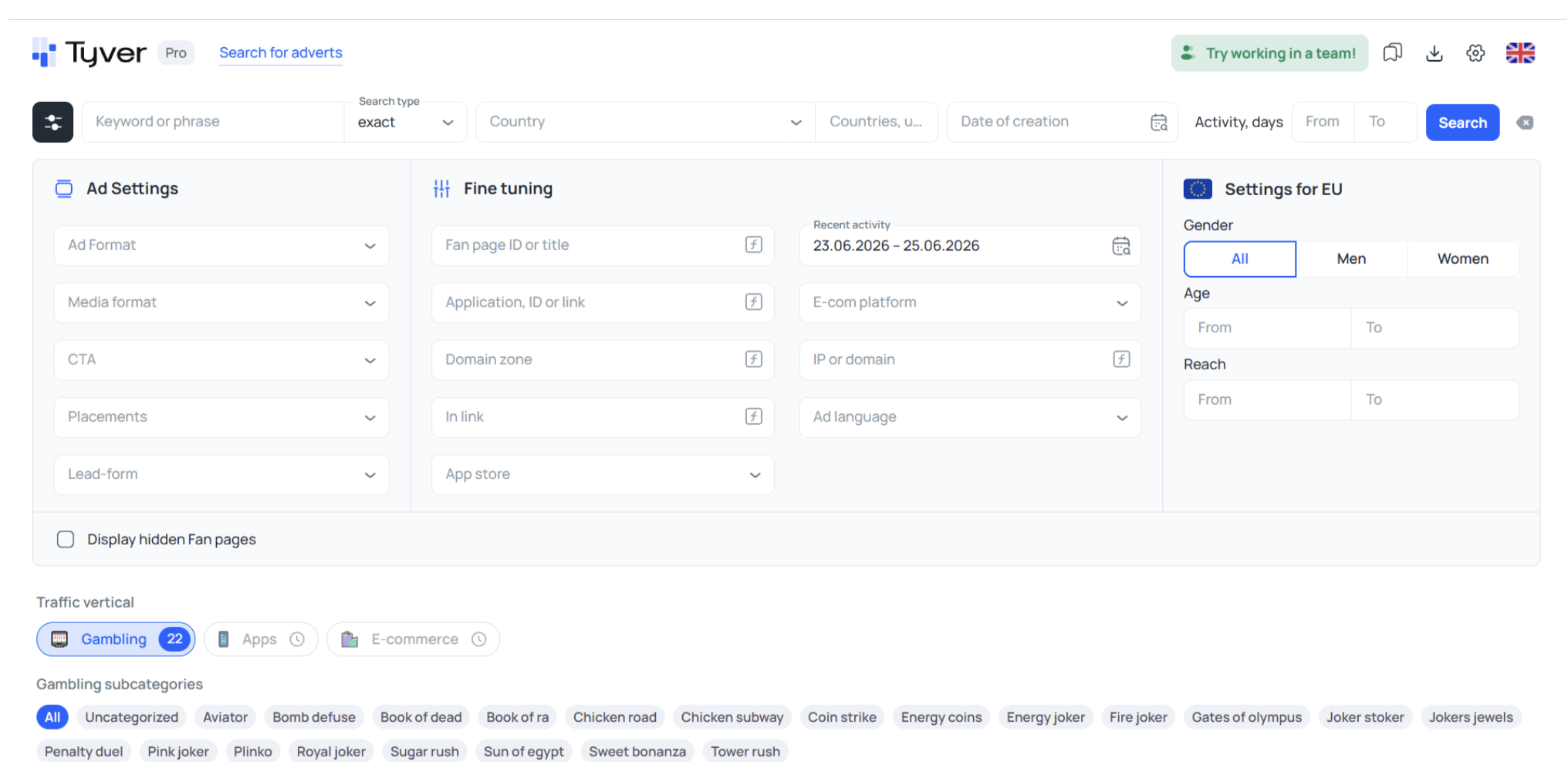
If you don’t want to limit yourself to a single offer or slot, and a direct “casino” query doesn’t deliver useful results, Tyver has a “Gambling” button. Click it, then “Search” — and you get results across the entire vertical. You can also search for specific slots through it by selecting the relevant Gambling subcategory.
How to Search Offers via the Gambling Button
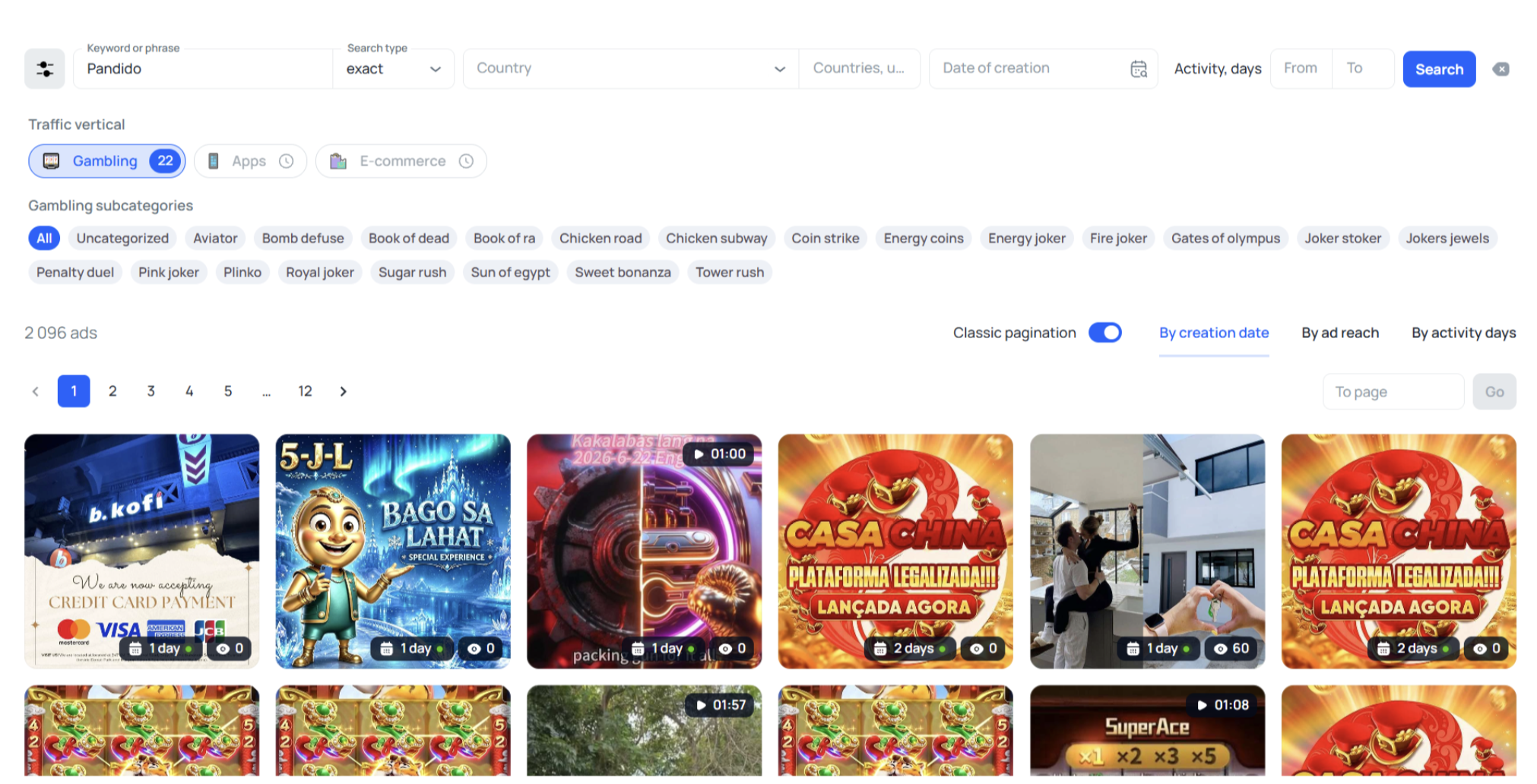
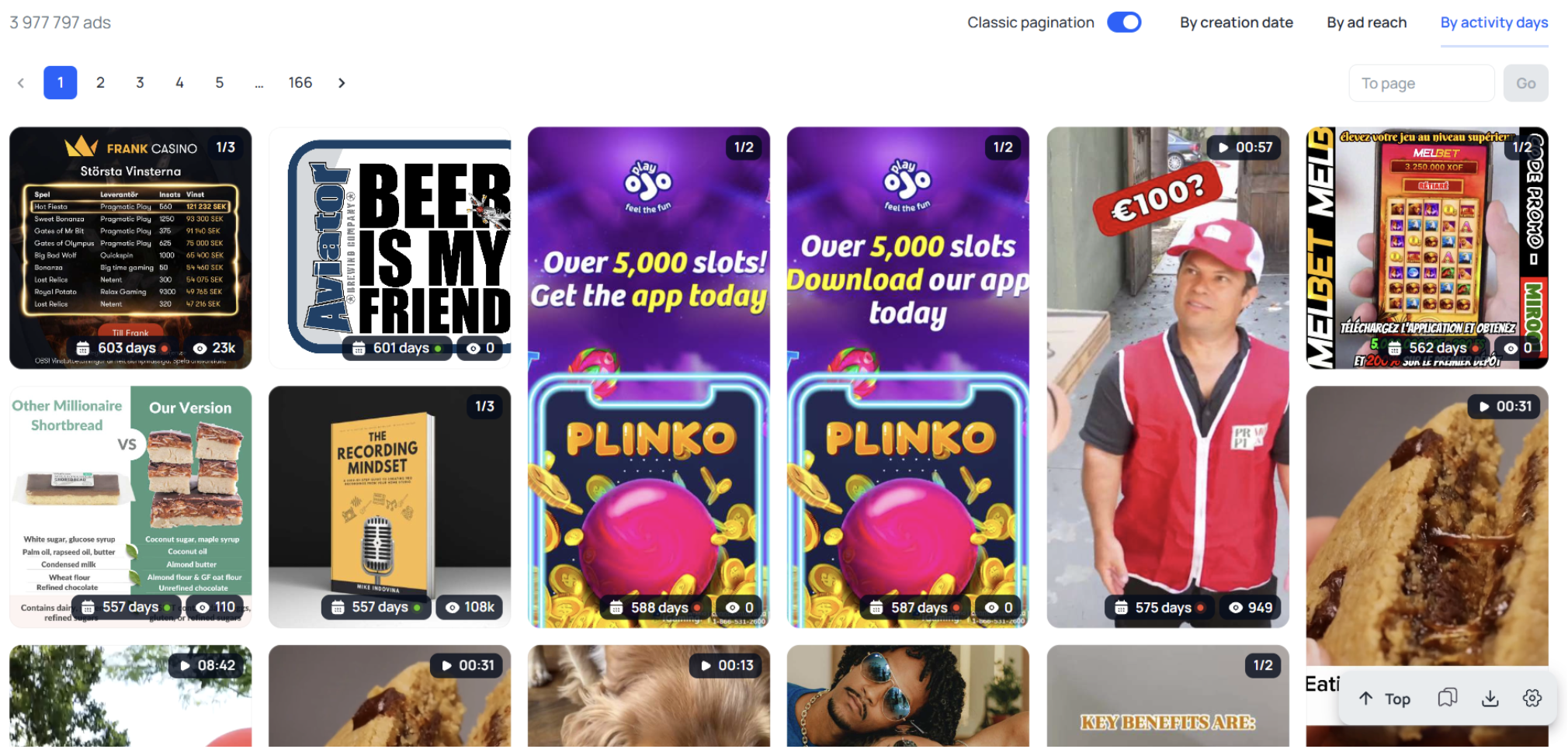
The Gambling button returns 3M+ creatives — easy to get lost in that volume. To narrow it down, click Gambling and type an offer name into the search bar. Let’s take the Pandido offer as an example.
Check the offer’s site, find its slots — say, Gates of Olympus and Sugar Rush — and search for creatives specifically for those.
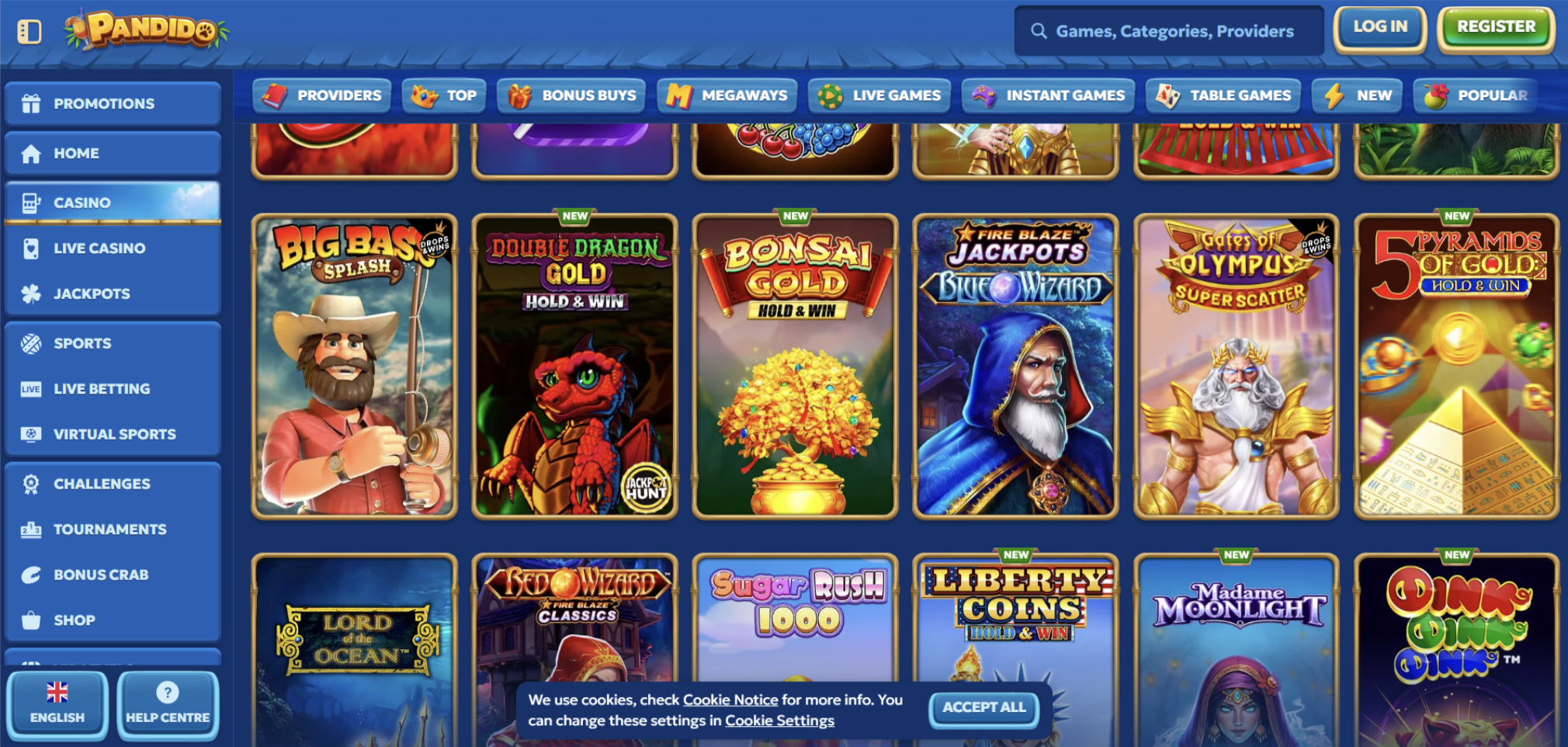
Why use the Gambling button when searching by offer name? Some offer names return a lot of irrelevant ads. If you search that same Pandido without the Gambling button, ads from unrelated niches show up. The “Gambling” button refines and narrows the search, cutting out the noise.
When searching through the Gambling button, all the same filters and targeting from keyword search apply.
How to Find Casino Ads for the EU
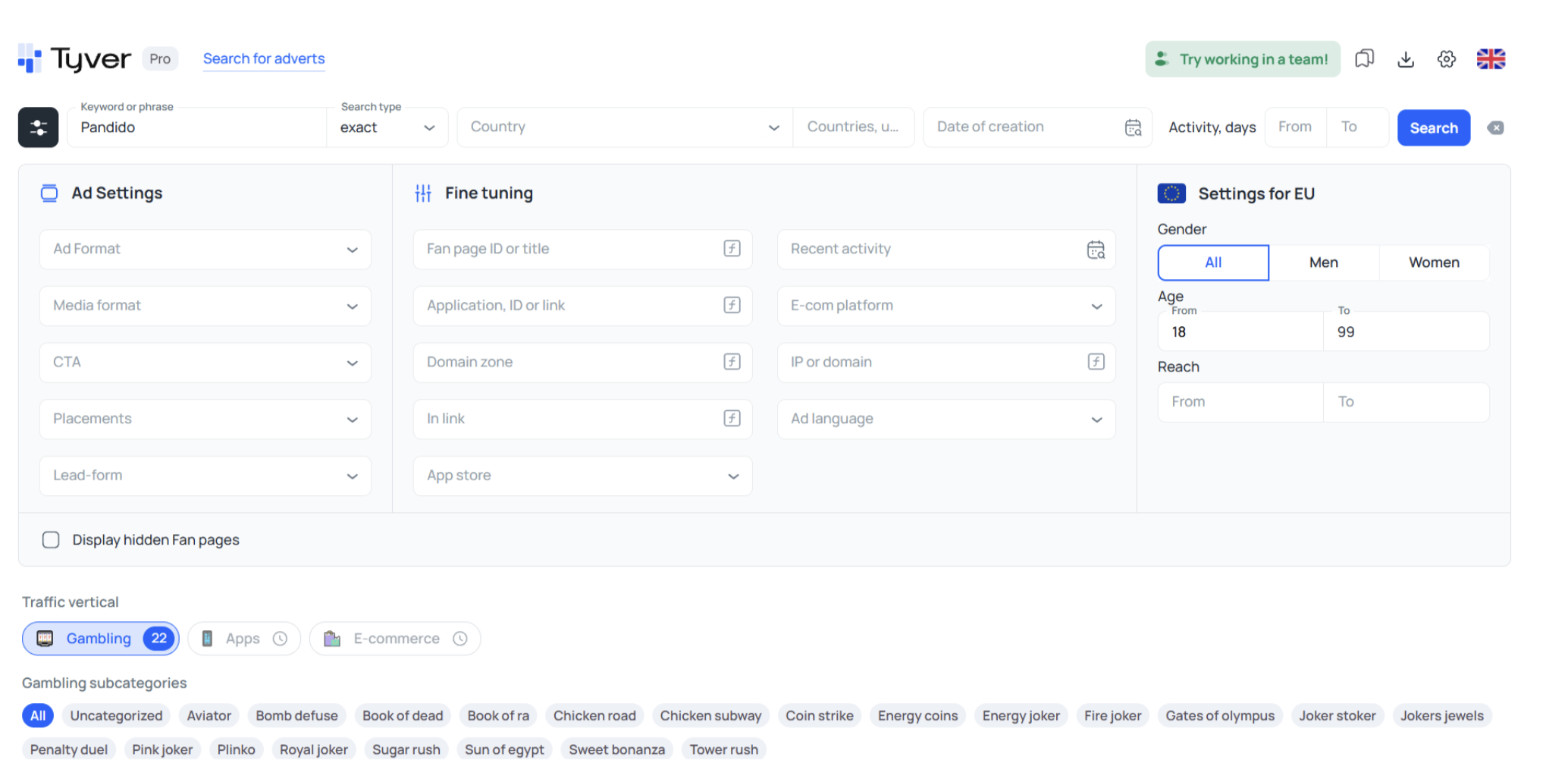
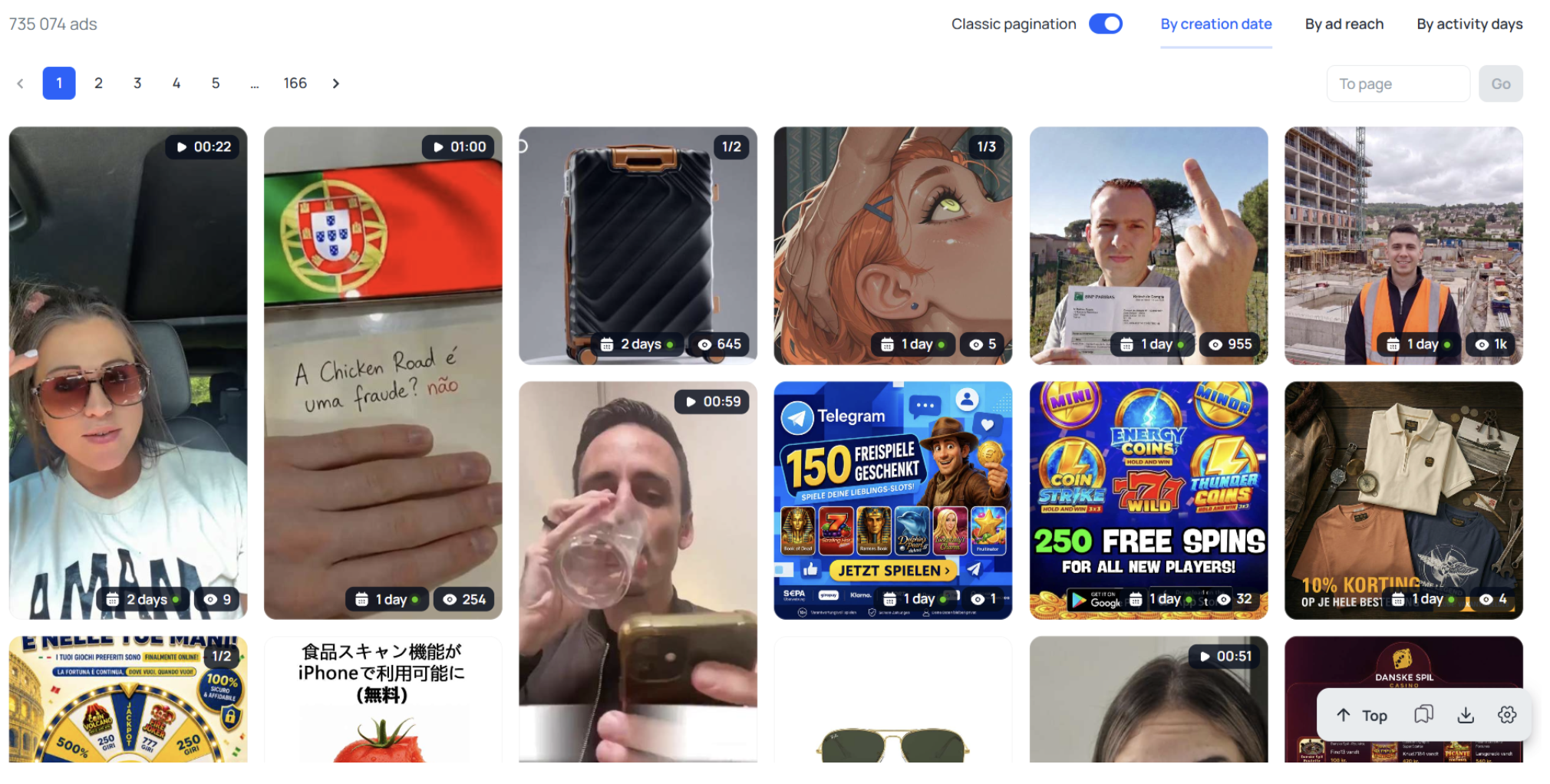
To find ads running in the EU, use audience age targeting. Here’s why: the target audience’s age is only specified in ads running in the EU — so applying this filter automatically leaves only European creatives.
In-Depth Competitor Analysis
Tyver lets you analyze not just individual ads but entire advertisers — which gives you valuable insight into which angles, creatives, and campaigns actually deliver results.
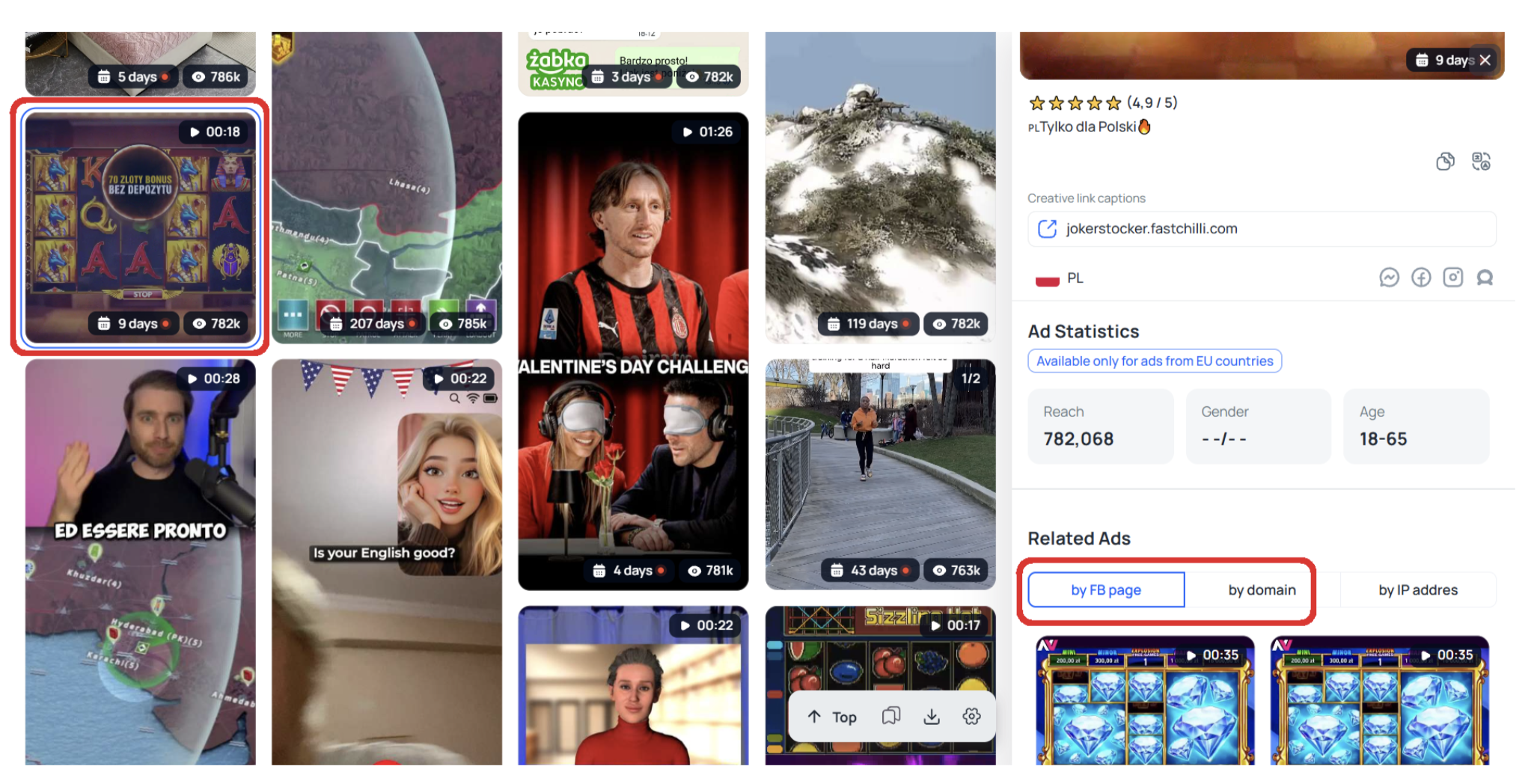
To study an advertiser, you need to view all the ads running from their fan page and domains. To do this, click a creative, then go to the similar ads section — and select similar ads by both the Facebook page and the domain.
On the page with all of the advertiser’s ads, sort by reach and days active.
The analysis logic: the ads that have run the longest and racked up the most views are the most successful. It’s worth comparing them with other creatives from the same advertiser that got fewer views and were stopped quickly. That way you can see exactly what worked and what didn’t.
Step-by-Step: How to Find the Freshest Casino Ads
To find fresh and successful creatives, use a combination of the Gambling button, the last-activity filter, and sorting by days active:
- Click the “Gambling” button (or set a specific offer/slot).
- Set the last-activity filter to the day before yesterday, yesterday, and today — this keeps creatives running right now or very recently.
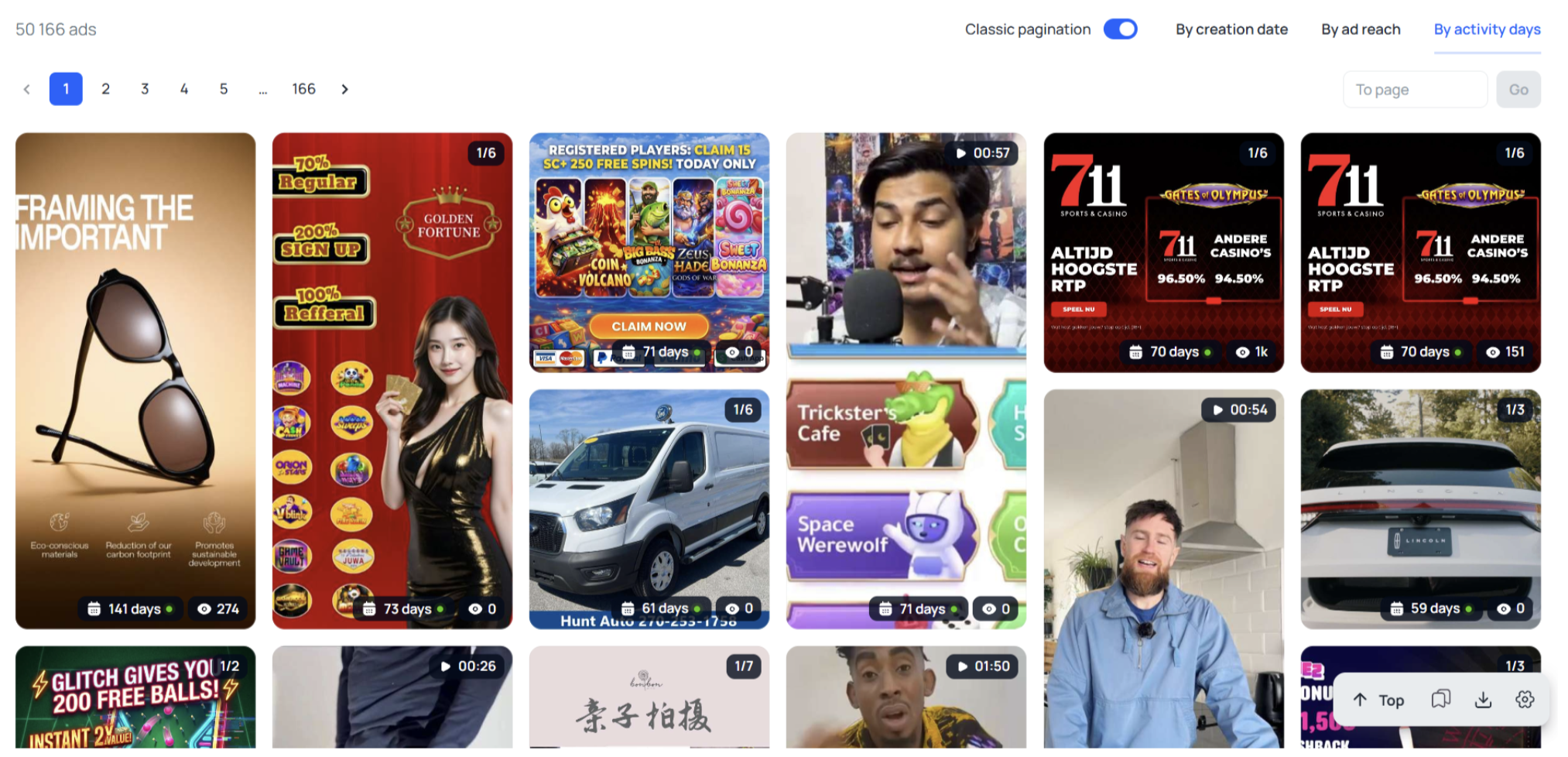
- Enable sorting by days active — this brings the longest-running ads to the top.
- Optionally, narrow the feed by a specific offer (for example, JackpoT).
The result is a list of creatives that are both fresh and time-tested — meaning they’re most likely to be working.
From Analysis to Launch: Don’t Forget the Offer
Finding a working creative is only half the battle. Next, you need to adapt it to your offer and drive traffic to a product with solid infrastructure for the GEO. Even the best creative won’t deliver if the offer is weak: no local payment method, low Reg2Dep, a clunky deposit flow.
That’s exactly why it makes sense to pair creative research in Tyver with LGaming offers: many popular slots (the same Sweet Bonanza, Gates of Olympus, Sugar Rush) appear across several offers in the network. Find a working angle for a slot — and you can apply it to a whole pool of offers across different GEOs.
Conclusion
Tyver isn’t overloaded with options and buttons, which makes it quick and easy to search for creatives on Meta platforms — especially for casino. And it’s not just about the “Gambling” button, but the set of filters and targeting too. There aren’t many of them, so mastering deep gambling ad search isn’t hard. In short, Tyver is about maximum results with minimal resources.
The workflow is simple: find your competitors’ working creatives in Tyver → adapt them to your offer → drive traffic to a product with strong payment infrastructure. You can find offers for current GEOs with local payment methods at LGaming — 1,500+ iGaming offers, many featuring popular slots whose creatives are easy to find in a spy tool.
FAQ
What is a spy tool in affiliate marketing? It’s software for viewing competitors’ ad creatives. It collects ads from advertising platforms and lets you search them by GEO, format, offer, and slot. It helps you adapt proven angles instead of testing creatives blindly.
How do you find casino creatives in a spy tool? It’s better to search by specific offer or slot names rather than the broad word “casino” (which returns a lot of noise). You can also use the “Gambling” button to search the whole vertical, then filter by GEO, format, and activity.
Why shouldn’t you search by the keyword “casino”? The word “casino” appears in ads for stories, blogs, and other irrelevant content, so the results get cluttered. Searching by offer or slot name returns relevant creatives.
How do you find the freshest, working creatives? Use the last-activity filter (day before yesterday, yesterday, today) together with sorting by days active. The first keeps fresh ads; the second brings the longest-running — time-tested — ones to the top.
Why search creatives by slot name? One popular slot (like Sweet Bonanza) appears across several offers. So creatives found for a slot can be applied to a whole pool of offers across different GEOs — which saves search time.
How do you analyze a competitor with a spy tool? View all of an advertiser’s ads from their fan page and domains, then sort by reach and days active. Long-running ads with high reach are the most successful. Compare them with quickly stopped ones to see what worked.
Be the first to know about our new partners and much more!